How to Choose a Gaming Laptop: Your Ultimate Buying Guide

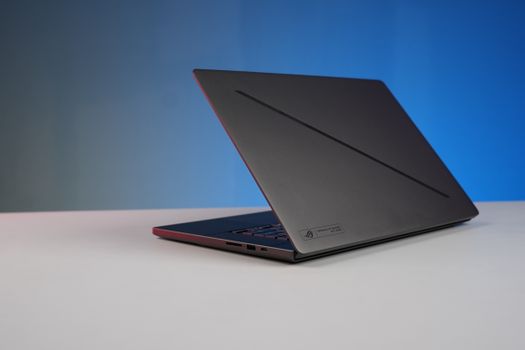
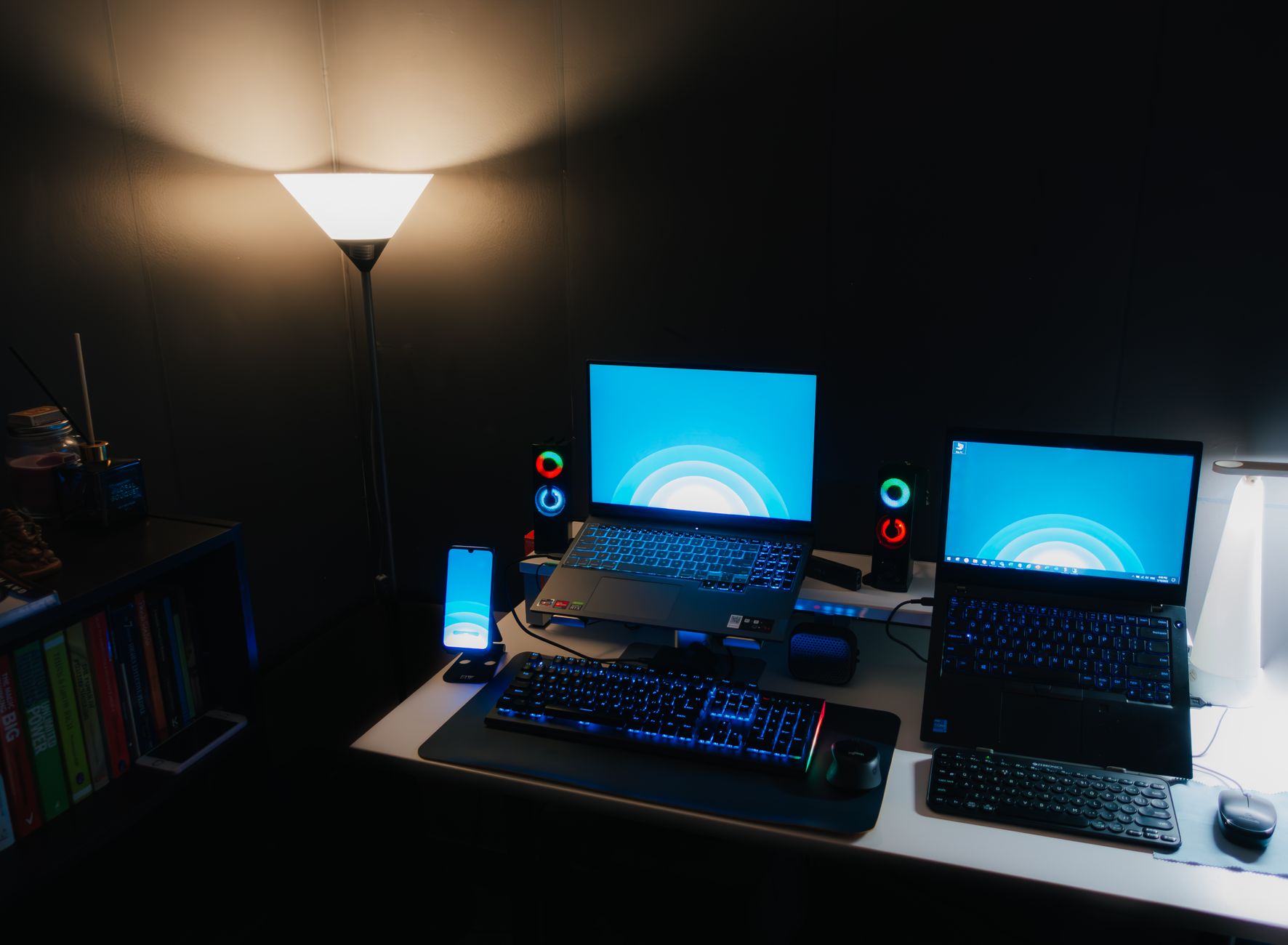
A modern workspace featuring a laptop, digital clock, gaming mouse, and keyboard, ideal for work and tech enthusiasts.Photo: Arjunn. la / Pexels

How to Choose a Gaming Laptop: Your Ultimate Buying Guide

Unlock peak gaming performance on the go. This guide empowers you to select the ideal machine tailored to your needs and budget.

Start Your Search

Key Takeaways

  • ✓ Graphics Card (GPU) is the most crucial component for gaming performance.
  • ✓ Processor (CPU) impacts overall system speed and multitasking, complementing the GPU.
  • ✓ RAM (Memory) of 16GB is the sweet spot for modern gaming; 32GB for power users.
  • ✓ SSD storage is essential for fast game loading times and system responsiveness.
  • ✓ Screen features like refresh rate (120Hz+) and resolution (1080p is standard) significantly enhance the gaming experience.
  • ✓ Cooling system quality is paramount for sustained performance and laptop longevity.
  • ✓ Battery life in gaming laptops is generally short due to high-performance components.
  • ✓ Budget dictates the balance between performance, features, and portability.

How It Works

1
Define Your Gaming Needs & Budget

Determine which games you play (or plan to play) and your desired graphics settings. Establish a realistic budget range to narrow down options effectively.

2
Prioritize Core Components: GPU & CPU

Research the latest NVIDIA GeForce RTX or AMD Radeon RX GPUs, as they drive gaming performance. Select a complementary Intel Core i7/i9 or AMD Ryzen 7/9 CPU for overall system power.

3
Evaluate Display, RAM, and Storage

Look for a high refresh rate screen (120Hz+) for smooth gameplay and an SSD (512GB+) for quick loading. Aim for 16GB of RAM as a minimum for most modern titles.

4
Consider Design, Cooling & Connectivity

Assess the laptop's build quality, keyboard, and trackpad. Ensure it has robust cooling and essential ports for peripherals and external displays.

Understanding Core Components: GPU and CPU for Gaming Performance

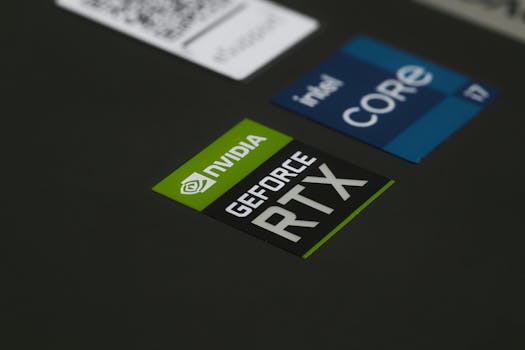
Laptop keyboard with Intel Core i7 and NVIDIA GeForce RTX stickers, symbolizing high-performance computing power.Photo: Foysal Ahmed / Pexels
When you're trying to figure out how to choose a gaming laptop, the graphics processing unit (GPU) and central processing unit (CPU) are undeniably the most critical components. Think of the GPU as the artist rendering every pixel and frame you see on screen, and the CPU as the director coordinating all the game's actions, AI, and physics. A powerful GPU, such as NVIDIA's GeForce RTX 40-series or AMD's Radeon RX 7000-series, is essential for running modern games at high settings and smooth frame rates. The higher the tier (e.g., RTX 4070 vs. RTX 4090), the better the performance, but also the higher the cost. Pay attention to the 'TGP' (Total Graphics Power) rating of the GPU in a laptop, as even the same GPU model can perform differently depending on the power it's allowed to draw. A higher TGP generally means better sustained performance. Complementing the GPU is the CPU. While the GPU does the heavy lifting for graphics, a robust CPU is crucial for preventing bottlenecks, especially in CPU-intensive games (like strategy games or open-world titles) or when multitasking (streaming while gaming). Intel's Core i7 or i9 processors (12th, 13th, or 14th gen) and AMD's Ryzen 7 or Ryzen 9 processors (7000 series) are excellent choices. For most gamers, a Core i7 or Ryzen 7 offers a fantastic balance of performance and value. Going for an i9 or Ryzen 9 provides marginal gains for pure gaming but excels in productivity tasks like video editing or 3D rendering. Always ensure your chosen CPU is recent enough to keep pace with your GPU. You can learn more about balancing these components in our guide on optimizing gaming PC builds.

Display, RAM, and Storage: The Pillars of Immersive Gameplay

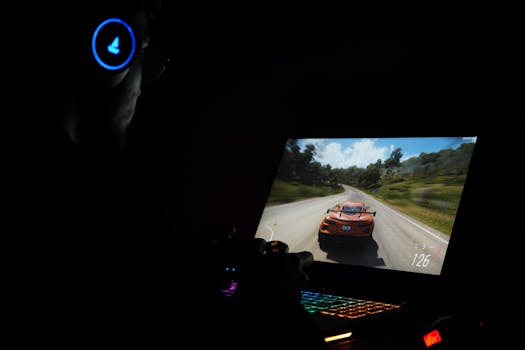
A gamer using a laptop and headphones to play a car racing game in a dark setting.Photo: Rajat Yadav / Pexels
Beyond the core processing units, the display, RAM, and storage solutions profoundly impact your gaming experience. The display is your window into the game world, and its specifications are crucial. Look for a refresh rate of at least 120Hz, with 144Hz, 240Hz, or even 360Hz options available for competitive esports players who demand the smoothest visuals. A higher refresh rate means more frames per second can be displayed, resulting in a noticeably smoother and more responsive experience. Resolution is another factor; 1080p (Full HD) is still the standard for gaming laptops, offering excellent performance and battery life. QHD (1440p) provides sharper images, but requires a more powerful GPU and impacts frame rates. OLED displays offer superior contrast and color vibrancy but come at a premium. RAM, or Random Access Memory, acts as your computer's short-term memory, allowing it to quickly access data needed for running games and applications. For modern gaming, 16GB of DDR4 or DDR5 RAM is the sweet spot. While some budget laptops still offer 8GB, it can lead to stuttering in demanding titles and limit multitasking. 32GB is excellent for future-proofing, heavy multitasking, or professional creative work, but often unnecessary for solely gaming. Storage is where your games and operating system reside. A Solid State Drive (SSD) is an absolute must. NVMe SSDs are significantly faster than older SATA SSDs, leading to lightning-fast boot times, game loading, and file transfers. Aim for at least 512GB, but 1TB or more is highly recommended if you plan to install several large games. Some laptops offer a combination of a smaller SSD for the OS and a larger HDD for game storage, but for optimal performance, an all-SSD setup is preferred.

Our partners at Sysadminoffice offer related services.

Cooling, Portability, and Design: Beyond Raw Power

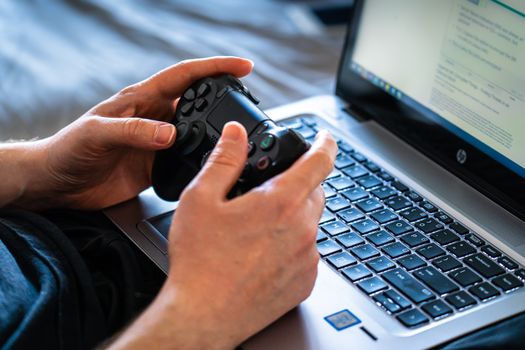
Person holds a gaming controller while interacting with a laptop, emphasizing modern gaming technology.Photo: Castorly Stock / Pexels
When learning how to choose a gaming laptop, it's easy to get fixated on raw specs, but equally important are the often-overlooked aspects of cooling, portability, and design. Gaming laptops pack powerful components into a compact chassis, generating significant heat. An effective cooling system, often involving multiple fans, heat pipes, and strategically placed vents, is vital for sustained performance and preventing thermal throttling, which can reduce your frame rates. Research reviews specifically mentioning a laptop's thermal performance under load. A laptop that runs too hot will not only perform worse but also potentially shorten the lifespan of its components. Portability is a key differentiator from desktop PCs. Consider the weight and thickness if you plan to frequently carry your laptop. Slimmer, lighter models often compromise on cooling or raw power. Battery life is also a concern; while gaming laptops aren't known for their unplugged endurance, some offer better battery performance for light tasks or web browsing. Expect significantly shorter battery life (1-2 hours) during intensive gaming. Design elements like keyboard quality (key travel, backlighting, anti-ghosting), trackpad responsiveness, and build materials (plastic, aluminum) contribute to the overall user experience. Connectivity is another crucial factor. Ensure the laptop has enough USB-A and USB-C ports, an HDMI or DisplayPort for external monitors, and an Ethernet port for stable online gaming. Wi-Fi 6 or 6E is also a desirable feature for fast wireless internet. For more insights on connectivity, check out our article on essential tech accessories.

Common Mistakes to Avoid and Pro Tips for Your Purchase

Person holds a gaming controller while interacting with a laptop, emphasizing modern gaming technology.Photo: Castorly Stock / Pexels
Navigating the gaming laptop market can be complex, and making an informed decision requires avoiding common pitfalls. Here are some mistakes to steer clear of and valuable tips to ensure you make the best purchase: * **Mistake 1: Prioritizing CPU over GPU for Gaming:** While a good CPU is important, for pure gaming performance, the GPU is king. Many newcomers mistakenly overspend on a high-end CPU while settling for a mid-range GPU, leading to suboptimal frame rates in games. * **Mistake 2: Ignoring Cooling System Reviews:** A powerful laptop with poor cooling will throttle under load, reducing performance and potentially shortening its lifespan. Always check reviews specifically addressing thermal performance. * **Mistake 3: Overlooking Display Specifications:** A powerful GPU is wasted on a low refresh rate screen. Ensure your display can keep up with the frames your GPU is pushing (120Hz+ is ideal). * **Mistake 4: Skimping on Storage:** Modern games are huge. A 256GB SSD will fill up quickly. Aim for at least 512GB, preferably 1TB NVMe SSD, to avoid constant game uninstalls and slow loading times. * **Mistake 5: Buying Without Future-Proofing in Mind:** While impossible to fully future-proof, consider upgradable RAM and storage slots. Also, choosing a mid-to-high-tier GPU will generally keep you gaming comfortably for several years. **Pro Tips:** * **Check TGP:** As mentioned, the Total Graphics Power (TGP) of a laptop GPU can vary. A higher TGP generally means better performance for the same GPU model. * **Read Expert and User Reviews:** Don't just rely on spec sheets. Read comprehensive reviews from reputable tech sites and user feedback to understand real-world performance, thermals, and build quality. * **Consider Refurbished or Sales:** Major sales events (Black Friday, Prime Day) often offer significant discounts. Refurbished units from reputable sellers can also be a great value. * **Test the Keyboard and Trackpad:** If possible, try out the laptop in person. The keyboard and trackpad are crucial for gaming and general use, and personal preference plays a big role. * **Factor in Peripherals:** Remember to budget for a good gaming mouse, headset, and potentially an external monitor if you don't already own them.

Comparison

FeatureHigh-End (Enthusiast)Mid-Range (Mainstream)Budget (Entry-Level)
Price Range (USD)$2000+$1200 - $2000$800 - $1200
GPURTX 4080/4090, RX 7900 XTRTX 4060/4070, RX 7700S/7800SRTX 3050/4050, RX 6600M/7600S
CPUIntel i9, AMD Ryzen 9Intel i7, AMD Ryzen 7Intel i5, AMD Ryzen 5
RAM32GB DDR516GB DDR4/DDR58GB DDR4 (upgradeable)
Storage1TB+ NVMe SSD512GB-1TB NVMe SSD256GB-512GB NVMe SSD
Display1440p/4K, 120Hz+ OLED/IPS1080p/1440p, 144Hz+ IPS1080p, 60Hz-120Hz IPS
CoolingAdvanced vapor chamberEfficient dual-fan systemBasic dual-fan system
Build QualityPremium metal chassisMixed metal/plasticMostly plastic

What Our Readers Say

5 ★★★★★

"This guide was a lifesaver in helping me choose a gaming laptop. I finally understood the difference between TGP and core count, leading me to a fantastic RTX 4070 model that perfectly fits my budget and games."

5 ★★★★★

"Before reading this, I was overwhelmed by all the specs. The clear breakdown of GPU, CPU, and display priorities made choosing my gaming laptop so much easier. My new laptop runs Baldur's Gate 3 flawlessly!"

5 ★★★★★

"I used this guide to select a gaming laptop for my son, and the advice on cooling systems was particularly useful. We found a model with excellent thermals, ensuring his games run smoothly without overheating."

4 ★★★★☆

"The article was incredibly thorough. While I still had to do some personal research on specific models, the foundational knowledge provided here about how to choose a gaming laptop was invaluable for narrowing down my options."

5 ★★★★★

"As a first-time gaming laptop buyer, I was intimidated. This guide broke down complex topics into easy-to-understand sections, helping me confidently pick a machine that handles both my work and gaming needs."

Frequently Asked Questions

What is the most important component when choosing a gaming laptop?
The graphics processing unit (GPU) is generally considered the most important component for gaming performance. It directly impacts frame rates and visual quality in games. While the CPU is also crucial, a powerful GPU will have a more significant effect on your gaming experience.
Is 8GB RAM enough for a gaming laptop?
For modern gaming, 8GB of RAM is generally considered the bare minimum and can lead to performance bottlenecks or stuttering in many demanding titles. We highly recommend at least 16GB of RAM for a smooth and enjoyable gaming experience, and 32GB for future-proofing or heavy multitasking.
How important is the screen's refresh rate for gaming?
The screen's refresh rate is very important for a smooth gaming experience. A higher refresh rate (e.g., 120Hz, 144Hz, 240Hz) allows more frames per second to be displayed, resulting in less motion blur and a more fluid visual experience, especially in fast-paced games. A standard 60Hz screen can feel sluggish by comparison.
How much should I spend on a good gaming laptop?
The ideal budget for a gaming laptop varies greatly depending on your desired performance and features. Entry-level gaming laptops can start around $800-$1000, offering decent 1080p performance. Mid-range laptops (around $1200-$2000) provide a great balance of power and value, while high-end machines ($2000+) deliver top-tier performance for enthusiasts and professionals.
Should I choose a gaming laptop or a gaming desktop?
The choice between a gaming laptop and a gaming desktop depends on your priorities. Gaming laptops offer portability and an all-in-one solution, ideal for gaming on the go. Gaming desktops typically offer better performance for the price, easier upgradability, and superior cooling, making them ideal for a stationary, high-performance setup. If portability is key, choose a laptop.
Who should consider buying a gaming laptop?
A gaming laptop is ideal for individuals who need the power to play demanding games but also require the flexibility to work, study, or game in different locations. It's perfect for students, frequent travelers, or anyone with limited space who still wants a high-performance gaming experience.
Will a gaming laptop overheat easily?
Gaming laptops generate significant heat due to their powerful components in a compact chassis. While modern gaming laptops have advanced cooling systems, they can still run hot under heavy load. It's crucial to choose a model with a well-reviewed cooling system and ensure proper ventilation during use to prevent overheating and thermal throttling.
What's the future trend for gaming laptops?
Future trends for gaming laptops include continued advancements in mobile GPUs and CPUs, leading to even greater performance in slimmer form factors. We can expect more widespread adoption of high-refresh-rate OLED displays, improved battery efficiency for light tasks, and innovations in cooling technology, possibly incorporating AI-driven thermal management.

Armed with this comprehensive guide, you're now ready to confidently navigate the market and choose a gaming laptop that perfectly matches your needs and budget. Dive into the world of portable high-performance gaming today!

See also: Buy iPhone 15 Pro Max Unlocked: Ultimate Freedom

See also: Unlock Freedom: buy iPhone 15 Pro Max Unlocked

Topics: how to choose a gaming laptopbest gaming laptopsgaming laptop buying guidegaming laptop specsportable gaming
Leo List