 Photo: SHVETS production / Pexels
Top Virtual Reality Headsets for Gaming Reviews
Dive into the ultimate guide to selecting your next VR gaming headset for unparalleled immersion and performance.
Explore VR Headsets NowKey Takeaways
- ✓ VR gaming market expected to exceed $50 billion by 2027.
- ✓ Resolution, refresh rate, and field of view are crucial specs.
- ✓ Standalone and PC-tethered VR offer distinct experiences.
- ✓ Comfort and tracking accuracy significantly impact gameplay.
How It Works
Before diving into specific models, determine what kind of VR gaming experience you're seeking. Consider if you prioritize portability, graphical fidelity, or a balance of both, as this will guide your choice between standalone and PC-tethered systems.
Focus on resolution (pixels per eye), refresh rate (Hz), and field of view (degrees) as these directly impact visual quality and immersion. Higher numbers generally equate to a more fluid and realistic experience, albeit at a potentially higher cost or computational demand.
Gaming sessions can last for hours, so headset comfort is paramount. Look for balanced weight distribution, adjustable straps, and sufficient padding. Consider if the headset accommodates glasses, and check for any reported issues with fogging or pressure points.
Each VR platform (Oculus, SteamVR, PlayStation VR, etc.) has its own exclusive games and app store. Research the available game libraries and ensure your chosen headset supports the titles you wish to play. Community support and future updates are also worth considering.
Navigating the VR Gaming Landscape: Standalone vs. PC-Tethered
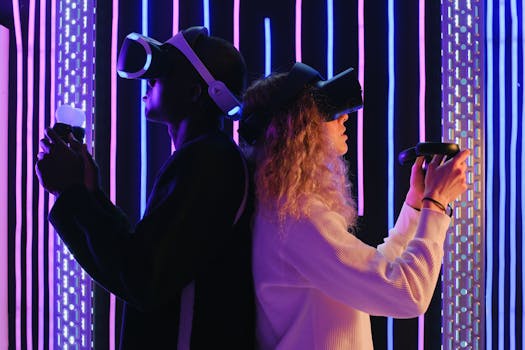 Photo: SHVETS production / Pexels
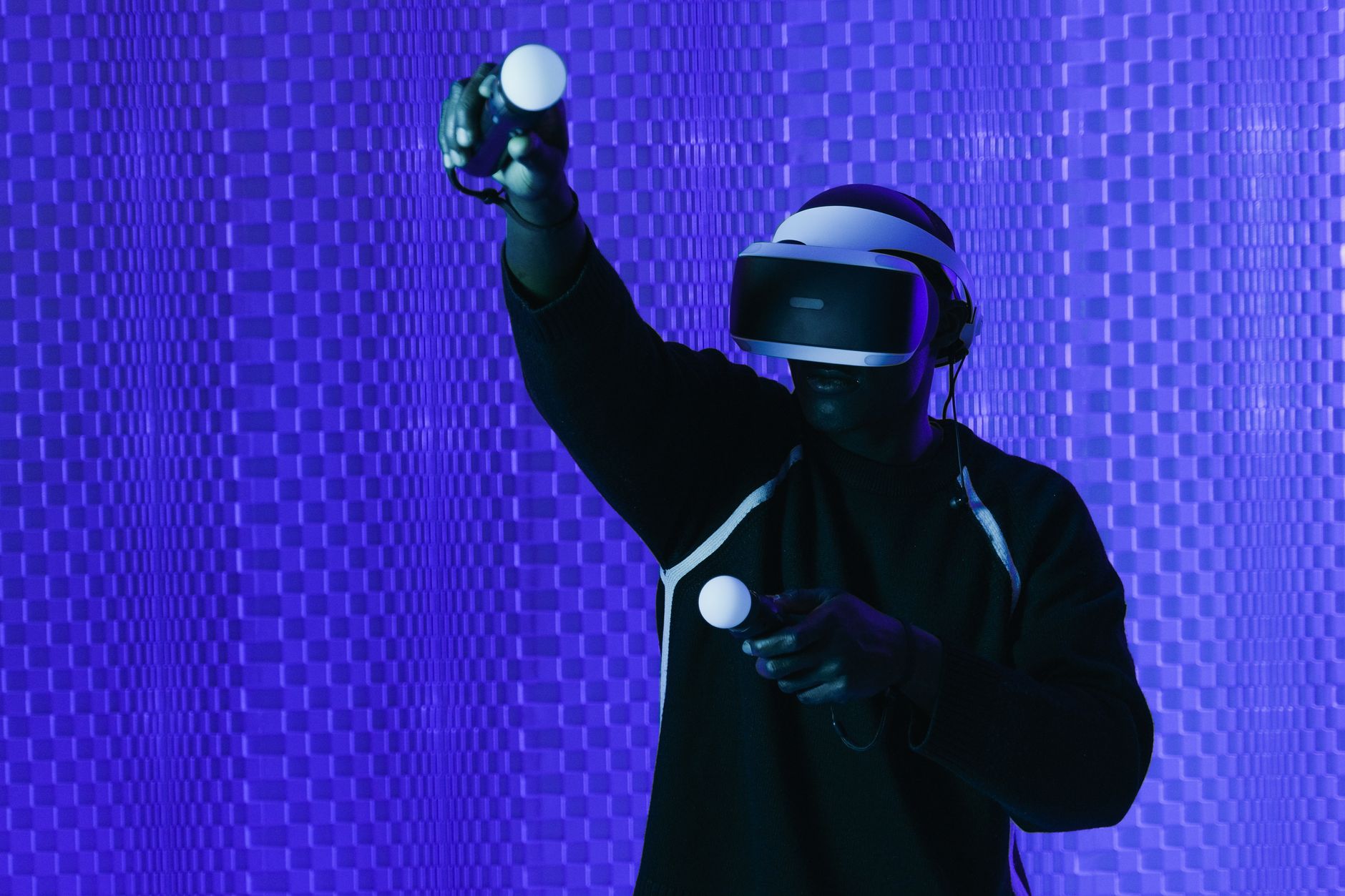
Standalone VR headsets, exemplified by the Meta Quest line, are all-in-one devices that require no external computer or console to operate. They house their own processors, displays, and batteries, offering incredible freedom of movement and ease of setup. This portability makes them ideal for sharing with friends, taking to different rooms, or even traveling. The convenience factor is immense; simply put on the headset, and you're ready to play. However, this self-contained nature often comes with a trade-off in raw graphical power. While modern standalone headsets are surprisingly capable, they generally cannot match the visual fidelity and complex physics simulations that a high-end gaming PC can deliver. Their game libraries are also typically curated for the headset's internal capabilities, meaning you might not have access to the absolute cutting-edge VR titles that demand significant horsepower.
On the other hand, PC-tethered VR headsets, such as the Valve Index or certain Pimax models, leverage the immense processing power of a dedicated gaming PC. These headsets connect to your computer via cables (or wirelessly with specific adapters), offloading all the heavy rendering and computation to your graphics card and CPU. This allows for stunningly realistic graphics, higher resolutions, faster refresh rates, and more complex virtual worlds. Games like 'Half-Life: Alyx' or 'Microsoft Flight Simulator' in VR truly shine on PC-tethered setups, offering an experience that can feel indistinguishable from reality. The downside, of course, is the requirement for a powerful gaming PC, which represents a significant additional investment if you don't already own one. The cables can also be a point of contention, sometimes breaking immersion or restricting movement, though advancements in wireless solutions are mitigating this. Exploring the nuances of VR technology reveals that many modern standalone headsets, like the Meta Quest 3, can also function as PC-tethered devices via a Link cable or Air Link, offering a hybrid solution. This flexibility allows users to enjoy the best of both worlds: standalone convenience for casual gaming and PC-powered performance for demanding titles. The choice ultimately boils down to your budget, existing hardware, and the specific kind of VR experience you prioritize. If you value freedom and simplicity above all else, standalone is likely your best bet. If uncompromised visual fidelity and access to the most graphically intensive VR games are paramount, and you have a powerful PC, then a tethered system will provide the superior experience.
Deconstructing Key Specifications: What Really Matters in VR Gaming
Photo: SHVETS production / PexelsFirst and foremost, resolution is a critical factor. Measured in pixels per eye (e.g., 2064x2208 per eye), higher resolutions mean sharper images, less noticeable 'screen-door effect' (the visible gaps between pixels), and greater clarity for distant objects or fine text. While a higher resolution certainly looks better, it also demands more processing power, especially for PC-tethered headsets. A headset with superb resolution might be wasted if your PC can't render games at that fidelity. Next is the refresh rate, expressed in Hertz (Hz). This refers to how many times per second the display updates its image. A higher refresh rate (e.g., 90Hz, 120Hz) results in smoother motion, reducing motion sickness and making fast-paced action feel more fluid and responsive. For competitive gaming or experiences with rapid movement, a high refresh rate is invaluable.
The field of view (FoV), measured in degrees, dictates how much of the virtual world you can see at any given moment without moving your head. A wider FoV (e.g., 110 degrees) contributes significantly to immersion, making you feel more like you're truly inside the virtual environment rather than looking through a window. While a wider FoV is generally better, there are diminishing returns, and extremely wide FoVs can introduce optical distortions.
Tracking accuracy and latency are also paramount. Inside-out tracking (used by most standalone headsets like the Meta Quest series) uses cameras on the headset to map your environment and track your position and controller movements. Outside-in tracking (used by systems like Valve Index with external base stations) typically offers highly precise and robust tracking, though it requires more setup. Low latency, the delay between your physical movement and its reflection in VR, is crucial for preventing motion sickness and maintaining a sense of presence.
Finally, consider the audio solution. Some headsets feature integrated spatial audio speakers that deliver surprisingly immersive sound without needing external headphones, while others offer a 3.5mm jack for your preferred gaming headset. High-quality spatial audio can dramatically enhance immersion, allowing you to pinpoint sounds in the virtual space. By carefully evaluating these technical specifications in the context of your gaming preferences and existing hardware, you can pinpoint the VR headset that offers the best balance of performance, immersion, and value for your specific needs.
Comfort, Ergonomics, and Ecosystems: Beyond the Specs
 Photo: Tima Miroshnichenko / Pexels
Comfort and ergonomics are perhaps the most overlooked yet critical aspects. You'll be wearing this device on your head for potentially extended periods, so a comfortable fit is paramount. Look for headsets with balanced weight distribution, as a front-heavy design can quickly lead to neck strain. Adjustable headstraps and an intuitive IPD (interpupillary distance) adjustment mechanism are essential for ensuring a clear image and reducing eye strain. Some headsets offer built-in fans to prevent fogging, while others provide ample space for users who wear glasses. The material of the face gasket also plays a role in comfort and hygiene, with some offering more breathable or easily cleanable options. A headset that feels like a vice on your head, no matter how powerful, will quickly deter you from lengthy gaming sessions.
The ecosystem and content library are equally vital. When you invest in a VR headset, you're not just buying hardware; you're buying into a platform. Each major player – Meta, Valve, Sony, Pimax, etc. – has its own store, exclusive titles, and community. Meta Quest headsets, for instance, benefit from a vast and constantly growing library of standalone games, many of which are designed with portability and ease of use in mind. PlayStation VR (PSVR) has its own set of console-exclusive titles that leverage the PlayStation ecosystem. PC-tethered headsets primarily rely on SteamVR, which boasts the largest and most diverse library of VR titles, including AAA experiences and indie gems. Understanding the various VR platforms helps you choose the right one. Consider which games you want to play now and what future titles are announced for each platform. The vibrancy of the developer community and the frequency of software updates also speak volumes about the long-term viability and support for a given ecosystem.
Finally, don't underestimate the importance of controller design and haptics. The controllers are your hands in the virtual world, and their ergonomic design, button layout, and haptic feedback capabilities can significantly enhance immersion. Good haptics can convey the feeling of impact, texture, or even the subtle rumble of a virtual engine, adding another layer of realism to your gaming. While technical specifications might grab headlines, it's the seamless integration of comfort, a rich content ecosystem, and intuitive controls that truly define a premium VR gaming experience. Prioritizing these aspects will ensure your virtual adventures are as enjoyable and immersive as possible.
Avoiding Common Pitfalls and Maximizing Your VR Gaming Experience
Photo: SHVETS production / PexelsMistake #1: Ignoring your IPD (Interpupillary Distance). Your IPD is the distance between the centers of your pupils. If your headset's IPD isn't adjusted correctly, you'll experience eye strain, blurriness, and even headaches. Many headsets offer a physical IPD adjustment dial; take the time to set it correctly. If your headset has a fixed IPD, ensure it falls within your comfortable range before purchasing.
Mistake #2: Neglecting your play space. VR gaming often requires physical movement. Clear a safe play area free of obstacles, furniture, and pets. Utilize your headset's guardian or boundary system diligently to prevent accidental collisions. Investing in a small, anti-fatigue mat can also help you stay oriented and comfortable.
Mistake #3: Forgetting about motion sickness. While not everyone experiences it, motion sickness can be a significant deterrent. Start with games that offer comfortable locomotion options (teleportation), take frequent breaks, and ensure good ventilation. Ginger supplements and anti-motion sickness wristbands can also help some individuals.
Mistake #4: Skimping on accessories. While not strictly necessary, certain accessories can greatly enhance your experience. A comfortable head strap (especially for standalone headsets), prescription lens inserts (if you wear glasses), and a good power bank for extended standalone play can make a world of difference.
Tip #1: Keep your lenses clean. Dust and smudges on your VR lenses can severely degrade visual quality. Use a microfiber cloth specifically designed for optics and avoid abrasive materials or harsh chemicals.
Tip #2: Optimize your PC (if tethered). For PC VR, ensure your graphics drivers are up to date, close unnecessary background applications, and consider overclocking your GPU if you're comfortable. Experiment with in-game VR settings to find the sweet spot between visual fidelity and performance.
Tip #3: Explore different genres. VR offers a vast array of gaming experiences, from intense shooters and intricate puzzle games to relaxing social experiences and fitness apps. Don't limit yourself; try different genres to discover new favorites.
Tip #4: Engage with the community. Join online forums, subreddits, or Discord channels dedicated to your headset or VR gaming in general. These communities are invaluable for troubleshooting, discovering new games, and sharing tips. By addressing these common issues proactively and embracing these tips, you'll ensure your venture into virtual reality gaming is as smooth, comfortable, and ultimately, as enjoyable as possible.
Comparison
| Feature | Meta Quest 3 | Valve Index | PSVR2 | Pimax Crystal |
|---|---|---|---|---|
| Type | Standalone/PC VR | PC VR | Console VR | Standalone/PC VR |
| Resolution (per eye) | 2064x2208 | 1440x1600 | 2000x2040 | 2880x2880 |
| Refresh Rate (Hz) | 90, 120 | 80, 90, 120, 144 | 90, 120 | 90, 120 |
| Field of View (degrees) | 110 (H), 96 (V) | 130 | 110 | 200 (H), 125 (V) |
| Tracking | Inside-out | Outside-in (Base Stations) | Inside-out | Inside-out |
| Price (approx.) | $499 | $999 | $549 | $1599 |
What Our Readers Say
"The Meta Quest 3 completely blew me away. For a standalone headset, the graphics are fantastic, and the mixed reality features are a game-changer. I love the freedom of not being tethered, making virtual reality headsets for gaming reviews like this so useful."
Alex R. Seattle, WA"After reading several virtual reality headsets for gaming reviews, I opted for the Valve Index, and it's everything I hoped for. The wide FOV and incredible tracking make games like Half-Life: Alyx an absolute masterpiece. The comfort is also top-tier for long sessions."
Jordan P. Austin, TX"PSVR2 has revitalized my PS5 gaming. The haptics and eye-tracking are incredibly immersive, and the exclusive titles are a blast. It’s perfect for console gamers looking for a premium VR experience."
Maria K. Orlando, FL"The Pimax Crystal offers unparalleled clarity, which is amazing for flight sims. However, it's a beast to run and the software can be a bit finicky at times. Definitely for enthusiasts who prioritize visual fidelity above all else."
Chris B. Denver, CO"As someone new to VR, the Meta Quest 3 was the perfect entry point. Setup was a breeze, and there's a huge library of games to explore. It really delivered on the promise of immersive virtual reality headsets for gaming reviews I'd read."
Sophia L. New York, NYFrequently Asked Questions
What is the best overall virtual reality headset for gaming?
Is VR gaming still worth it in 2024?
How do I prevent motion sickness while playing VR games?
Are expensive VR headsets truly better than cheaper ones?
Should I buy a standalone VR headset or one that connects to a PC?
Who should consider investing in virtual reality headsets for gaming reviews?
Are VR headsets safe for my eyes?
What are the future trends for virtual reality headsets for gaming?
Ready to step into the future of gaming? Our in-depth virtual reality headsets for gaming reviews provide all the insights you need to choose your perfect device. Dive into unparalleled immersion and transform your gaming experience today!