Top Smart Home Devices Compatible with Alexa for a Smarter Life
smart home devices compatible with Alexa

Top Smart Home Devices Compatible with Alexa for a Smarter Life

Transform your home into an intuitive, voice-controlled haven with these essential Alexa-compatible gadgets.

Start Your Smart Home Journey

Key Takeaways

  • ✓ Over 100,000 smart home products are compatible with Alexa.
  • ✓ Alexa can control devices from various brands through Skills.
  • ✓ Routines allow for complex multi-device automation with a single command.
  • ✓ Voice control enhances accessibility and convenience for all users.

How It Works

1
Choose Your Alexa Device

Select an Amazon Echo speaker or smart display as the central hub for your smart home ecosystem. This device will listen for your commands and relay them to compatible gadgets.

2
Select Compatible Smart Devices

Research and purchase smart home products that explicitly state 'Works with Alexa' on their packaging or product descriptions. This ensures seamless integration and functionality.

3
Connect Devices to Alexa App

Follow the instructions for each smart device to connect it to its native app, then link that app or 'skill' within the Amazon Alexa app. The Alexa app acts as the central control panel.

4
Automate with Routines and Voice

Once connected, use voice commands to control individual devices or create 'Routines' in the Alexa app to automate multiple actions. For instance, 'Alexa, good morning' could turn on lights, start coffee, and play news.

Understanding Alexa's Smart Home Ecosystem
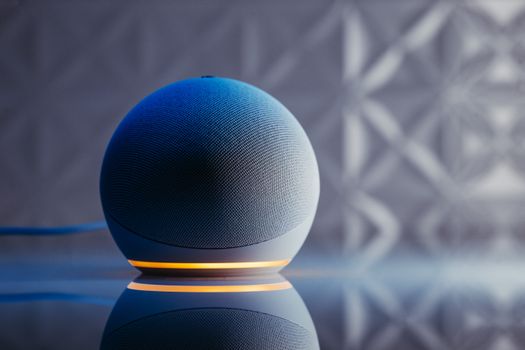
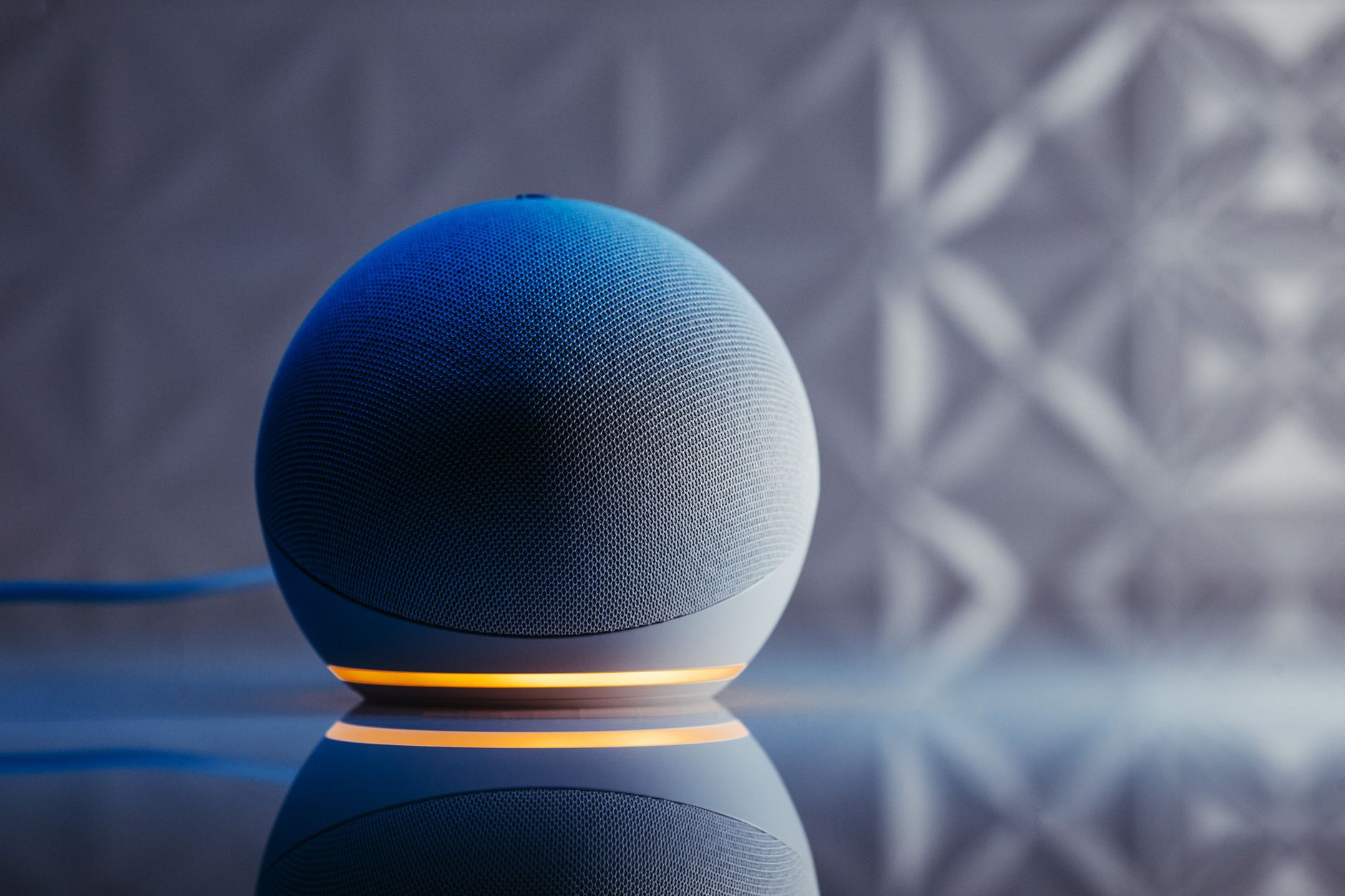
Close-up of a modern smart speaker in a stylish setting with illuminated base and reflection. Photo: Jonathan Borba / Pexels
The modern home is increasingly becoming a 'smart' home, a place where technology integrates seamlessly into daily life to offer convenience, efficiency, and enhanced security. At the heart of many of these smart homes in the US is Amazon's Alexa, a sophisticated voice AI that acts as a central command center. When we talk about 'smart home devices compatible with Alexa,' we're referring to a vast and ever-growing ecosystem of products designed to work in harmony with your Amazon Echo speakers or smart displays. This compatibility means you can control lights, thermostats, security cameras, door locks, and even kitchen appliances using simple voice commands, or through automated routines set up within the Alexa app. Alexa's strength lies in its open platform, allowing manufacturers from various industries to integrate their products. This isn't just about turning a light on or off; it's about creating an intuitive living environment that responds to your needs without you having to lift a finger. Imagine waking up to your bedroom lights gradually brightening, your smart coffee maker brewing your morning cup, and your thermostat adjusting to your preferred temperature, all triggered by a single phrase or even automatically at a set time. This level of automation is what makes Alexa-compatible devices so appealing. For a device to be compatible with Alexa, it typically needs to connect to the internet (often via Wi-Fi or a dedicated smart home hub) and have a corresponding 'skill' enabled in the Alexa app. A skill is essentially an app for Alexa, developed by the device manufacturer, that teaches Alexa how to communicate with and control that specific device. Once the skill is enabled and the device is discovered by Alexa, it becomes part of your interconnected smart home network. This modular approach allows users to build their smart home piece by piece, adding new devices as their needs and budgets evolve, ensuring flexibility and scalability. Beyond basic commands, Alexa's routines feature is a game-changer. Routines allow you to group multiple actions under a single trigger – be it a voice command, a specific time, or even a sensor event. For example, a 'Leaving Home' routine could lock your smart door, turn off all lights, and adjust your thermostat to an energy-saving mode. The power of smart home devices compatible with Alexa is not just in individual control, but in this synergistic automation, making your home truly responsive and intelligent. Explore the latest in smart home technology to see how these integrations are constantly evolving.

Essential Alexa-Compatible Devices for Every Room

Close-up of a modern smart speaker in a stylish setting with illuminated base and reflection. Photo: Jonathan Borba / Pexels
Building a smart home with Alexa doesn't have to be an overwhelming task. You can start with a few key devices and expand as you become more comfortable with the technology. In the living room, smart lighting is often the first step for many. Brands like Philips Hue, Govee, and Sengled offer bulbs, light strips, and fixtures that can be controlled with your voice, allowing you to dim lights for movie night or change colors to set a mood. Smart plugs, such as those from TP-Link Kasa or Amazon's own Smart Plug, are incredibly versatile, turning any 'dumb' appliance – like a lamp, fan, or even a holiday decoration – into an Alexa-controllable device. Pairing these with an Echo Show allows for visual control alongside voice commands, enhancing the user experience. For the bedroom, beyond smart lighting, consider a smart thermostat like the ecobee SmartThermostat or Google Nest (which, despite being a Google product, often has robust Alexa integration). These devices learn your preferences and can adjust temperatures automatically, saving energy and ensuring comfort. Smart blinds or curtains, from companies like Lutron or Serena Shades, can be programmed to open with the sunrise or close at sunset, adding a touch of luxury and privacy. A smart sound machine or air purifier can also be integrated, creating a personalized sleep environment controlled by your voice. In the kitchen, the possibilities are expanding rapidly. Smart ovens, microwaves, and even coffee makers from brands like GE Appliances or Keurig can be preheated, started, or brewed with Alexa. Smart displays like the Echo Show become invaluable here, allowing you to follow recipes, watch cooking tutorials, or even make video calls while your hands are busy. Smart scales and food thermometers also offer Alexa integration for tracking nutrition and ensuring perfect cooking. Even the humble smart trash can can now be found, opening with a voice command when your hands are full. Security is a paramount concern for many homeowners, and Alexa-compatible devices offer robust solutions. Smart door locks from August or Schlage allow you to lock and unlock your doors remotely or with voice commands, and grant temporary access to guests. Video doorbells from Ring or Arlo provide live feeds and two-way talk, alerting you to visitors or package deliveries, and integrating seamlessly with Echo Show devices to display the feed. Indoor and outdoor security cameras from Wyze or Eufy offer monitoring capabilities, often with motion detection and cloud storage options. These devices not only provide peace of mind but also act as proactive deterrents against potential threats, making your home a safer place. The sheer breadth of 'smart home devices compatible with Alexa' means there's a solution for almost any need in any room.

Maximizing Your Smart Home with Alexa Routines and Advanced Features
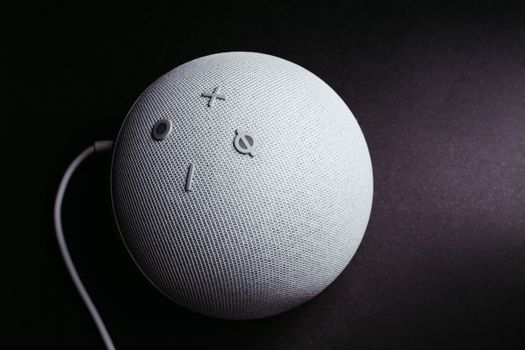
Close-up of a smart speaker on a black background, showcasing minimalistic elegance. Photo: Jonathan Borba / Pexels
Beyond individual device control, the true power of smart home devices compatible with Alexa lies in its advanced features, particularly 'Routines.' Routines allow you to automate multiple actions with a single trigger, transforming your smart home from a collection of gadgets into a cohesive, intelligent system. For instance, a 'Good Morning' routine could be set to trigger at 7 AM on weekdays. This routine could then: turn on your smart bedroom lights to 50% brightness, start your smart coffee maker, play your preferred news briefing on your Echo speaker, and adjust your smart thermostat to your desired morning temperature. All this happens automatically, without you having to utter a single command. Routines aren't limited to time-based triggers. They can also be initiated by voice commands (e.g., 'Alexa, I'm home'), by the activation of a smart sensor (like a motion sensor detecting your entry), or even by the geofencing feature that detects when your smartphone enters or leaves a designated area. Imagine arriving home, and as your phone crosses the geofence, your lights turn on, your smart lock unlocks, and your favorite playlist starts playing. Conversely, a 'Leaving Home' routine could lock all doors, turn off all lights, adjust the thermostat for energy savings, and arm your security system. This level of personalization and automation significantly enhances convenience and energy efficiency. Another powerful feature is the ability to create 'Groups' within the Alexa app. Grouping devices by room (e.g., 'Living Room Lights') allows you to control all lights in that room with a single command, like 'Alexa, turn off the living room lights.' You can also group devices by type, like 'All Lights,' for a master control. This organization is crucial as your smart home grows, preventing a chaotic tangle of individual device names and commands. Furthermore, the Alexa app provides a visual dashboard for all your connected devices, offering manual control and status updates at a glance, which is particularly useful when you're away from home. Alexa also supports 'Announcements' and 'Drop In' features, turning your Echo devices into an intercom system, great for calling family members for dinner or checking on kids in another room. The 'Guard' feature can listen for specific sounds like glass breaking or smoke alarms and send alerts to your phone. For those interested in deeper customization, Alexa's integration with IFTTT (If This Then That) opens up a world of possibilities for creating even more complex automations that might not be directly supported by Alexa's native routines. Stay updated on the latest smart home trends to leverage these advanced capabilities fully. These advanced functionalities transform a simple voice assistant into a sophisticated home manager, making smart home devices compatible with Alexa an indispensable part of modern living.

Tips for a Seamless Alexa Smart Home Experience

An IT professional operates a computer in a server room, managing network systems and connected devices. Photo: panumas nikhomkhai / Pexels
Embarking on your smart home journey with Alexa can be incredibly rewarding, but a few key tips can ensure a smoother, more secure, and more enjoyable experience. One of the most crucial aspects is strong Wi-Fi. Most smart home devices rely heavily on your home network, so a robust, stable Wi-Fi signal throughout your entire home is paramount. Consider a mesh Wi-Fi system if you have a large home or areas with weak coverage, as this will prevent devices from constantly dropping offline or responding slowly. **Tips for an Optimal Alexa Smart Home:** * **Prioritize Security:** Always use strong, unique passwords for all your smart home accounts and enable two-factor authentication (2FA) wherever possible. Regularly update firmware for all devices to patch potential vulnerabilities. * **Start Small and Expand:** Don't try to smart-enable your entire house overnight. Begin with a few essential devices, like smart lighting or plugs, and gradually add more as you learn what works best for your lifestyle. * **Organize with Groups and Rooms:** Utilize the Alexa app's grouping features. Assign devices to specific rooms (e.g., 'Kitchen Lights') and create groups (e.g., 'Downstairs Lights') for easier and more intuitive voice control. * **Leverage Routines:** Invest time in setting up routines. They are the cornerstone of true smart home automation, allowing you to combine multiple actions into a single command or schedule. * **Name Devices Intuitively:** Give your devices simple, easy-to-remember names that Alexa won't misunderstand. Avoid similar-sounding names that could cause confusion. * **Check for Compatibility:** Always ensure new devices explicitly state 'Works with Alexa' before purchasing. Read reviews to confirm seamless integration. * **Regularly Update Devices and App:** Keep your Alexa app and all smart device firmware updated. Updates often include new features, bug fixes, and security enhancements. * **Explore Alexa Skills:** Browse the Alexa Skills store for new capabilities. Many device manufacturers offer skills that unlock additional features for their products. * **Privacy Settings:** Review Alexa's privacy settings in the app. You can manage voice recordings, delete history, and control data usage to protect your personal information. * **Backup Your Settings (Where Possible):** Some smart home systems offer backup options for configurations. While not universal, it's a good practice to explore if available. By following these best practices, you can maximize the potential of your smart home devices compatible with Alexa, creating an intelligent, responsive, and secure living environment that truly enhances your daily life. A well-planned and maintained smart home ecosystem will provide years of convenience and enjoyment.

Comparison

FeatureSmart Lighting (Philips Hue)Smart Thermostat (ecobee)Smart Door Lock (August)Smart Plug (TP-Link Kasa)
Primary FunctionAmbiance & ControlClimate Control & SavingsSecurity & AccessBasic Automation
Alexa Voice Control
Requires HubBridge recommended for full featuresNo (Wi-Fi)Connect Bridge for remote accessNo (Wi-Fi)
Energy MonitoringSome bulbs✓ (Detailed reports)✓ (Some models)
Installation DifficultyEasy (screw-in bulbs)Moderate (wiring)Moderate (existing deadbolt)Very Easy (plug-in)
GeofencingVia Alexa routinesVia Alexa routines
Typical Price Range$$$$$$$$$$

What Readers Say

"Integrating smart home devices compatible with Alexa has completely changed my daily routine. My morning routine now happens automatically, and I love being able to turn off all the lights with a single voice command when I leave the house."

Sarah J. · Austin, TX

"I started with a smart thermostat and then added smart plugs. The convenience of controlling my fan and lamps with Alexa is fantastic. The setup for these smart home devices compatible with Alexa was surprisingly straightforward."

Mark D. · Seattle, WA

"The security camera integration with my Echo Show is a game-changer. I can see who's at the door without getting up, and the peace of mind from having these smart home devices compatible with Alexa is invaluable for my family."

Emily R. · Miami, FL

"Most of my smart home devices compatible with Alexa work flawlessly. Occasionally, a device might lose connection, but a quick restart usually fixes it. The benefits far outweigh these minor inconveniences, especially with the routines."

David L. · Chicago, IL

"As a busy professional, I rely on my Alexa smart home to manage everything. From scheduling my lights to preheating my oven, these smart home devices compatible with Alexa save me so much time and make my home incredibly efficient."

Jessica M. · Denver, CO

Frequently Asked Questions

What are the most popular smart home devices compatible with Alexa?

The most popular smart home devices compatible with Alexa typically include smart lights (like Philips Hue), smart plugs (TP-Link Kasa), smart thermostats (ecobee, Nest), video doorbells (Ring), and smart security cameras (Wyze, Eufy). These devices offer a great starting point for building a connected home due to their ease of use and significant impact on daily convenience and security.

Is it difficult to set up smart home devices compatible with Alexa?

No, setting up most smart home devices compatible with Alexa is generally straightforward. Manufacturers design these products with user-friendliness in mind, often involving downloading a dedicated app, connecting to your Wi-Fi, and then enabling a 'skill' in the Alexa app. Step-by-step instructions are usually provided, making the process manageable even for tech novices.

How do I connect a new smart device to my Alexa system?

To connect a new smart device, first, plug it in and follow its manufacturer's instructions to connect it to your home Wi-Fi network using its native app. Once connected and configured in its app, open the Amazon Alexa app, go to 'Devices,' tap the '+' icon, select 'Add Device,' and choose the category of your device. Alexa will then search for and discover the new device, or you may need to enable its specific 'skill' from the Skills & Games section.

Do I need a smart home hub for all Alexa-compatible devices?

No, not all Alexa-compatible devices require a separate smart home hub. Many modern devices connect directly to your home Wi-Fi network. However, some systems, like Philips Hue (for full functionality) or Z-Wave/Zigbee devices, do require their own dedicated bridge or hub to communicate with Alexa. Amazon's Echo Plus and Echo Show devices often have built-in Zigbee hubs, reducing the need for additional hardware.

How do Alexa-compatible devices compare to Google Assistant devices?

Both Alexa and Google Assistant offer robust smart home ecosystems with a wide range of compatible devices. Alexa is often praised for its broader device compatibility and more extensive 'Skills' library, offering more niche integrations. Google Assistant, on the other hand, is known for its superior natural language processing and deeper integration with Google's other services like Calendar and Maps. The choice often comes down to personal preference and existing ecosystem allegiance.

Who should use smart home devices compatible with Alexa?

Anyone looking to add convenience, enhance security, save energy, or improve accessibility in their home can benefit from smart home devices compatible with Alexa. They are ideal for busy individuals, families, the elderly, or those with mobility challenges. From automating daily tasks to remote monitoring, Alexa's ecosystem offers solutions for a wide range of needs and lifestyles.

Are smart home devices compatible with Alexa secure?

The security of smart home devices compatible with Alexa depends on several factors, including the device manufacturer's security practices, your home network security, and your personal privacy settings. Most reputable brands prioritize security, offering encrypted communications and regular firmware updates. Users should always use strong passwords, enable two-factor authentication, and keep their devices and Alexa app updated to maintain optimal security.

What are the future trends for smart home devices compatible with Alexa?

Future trends for smart home devices compatible with Alexa include deeper integration with AI for more predictive and proactive automation, enhanced privacy features, greater interoperability across different brands and ecosystems (driven by standards like Matter), and the expansion of smart devices into new categories like health monitoring and advanced environmental controls. Expect more personalized and context-aware experiences.

Ready to transform your living space? Explore the vast world of smart home devices compatible with Alexa and begin building your intelligent home today. Experience unparalleled convenience, security, and efficiency at your fingertips.

Topics: smart home devices compatible with AlexaAlexa smart home integrationsmart home automationAlexa compatible gadgetsvoice control smart home
Leo List
Brampton weed
Adultwork EstrelaBet Vai de Bet R7 Bet Betão Galera Bet Rainbet Bet9ja Shop SportyBet BetKing Sisal Loto Foot Hollywoodbets YesPlay Odibets RushBet Jugabet BetWarrior BetCity MSport betPawa Fortebet